AI Workflow Creator
The AI Workflow Creator is an AI tool that enables you to utilize AI to create a workflow that consists of folders, sub-folders, and jobs in the Planning domain.
The AI Workflow Creator is a Preview feature. Preview features enable you to provide early feedback on new ideas. You can raise Support cases for Preview features at Impact Level 3 and 4. Preview feature functionality might be modified in the future.
The number of workflows you can create depends on the limitations defined in your BMC license.
Creating a Workspace with AI Workflow Creator
This procedure describes how to create a workspace with the AI Workflow Creator.
Before You Begin
-
Activate Enable AI Features in the System Settings, as described in AI Feature Settings.
-
Verify that your administrator enabled your user view permissions for the Jett domain and Workflow Creator feature, as described in User Views.
Begin
-
From the Home tab in the Planning domain, in My Work click
 .
.The AI Workflow Creator appears.
-
Do one of the following:
-
Type a prompt that describes the workflow.
-
Type a prompt and click
 to add an image with a diagram of the workflow. You can upload only one image and must include a prompt.
The image specifications are as follows:
-
Format: png, jpeg, jpg, webp, gif, bmp
-
Size: Maximum 20MB
-
-
-
Click
 .
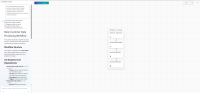
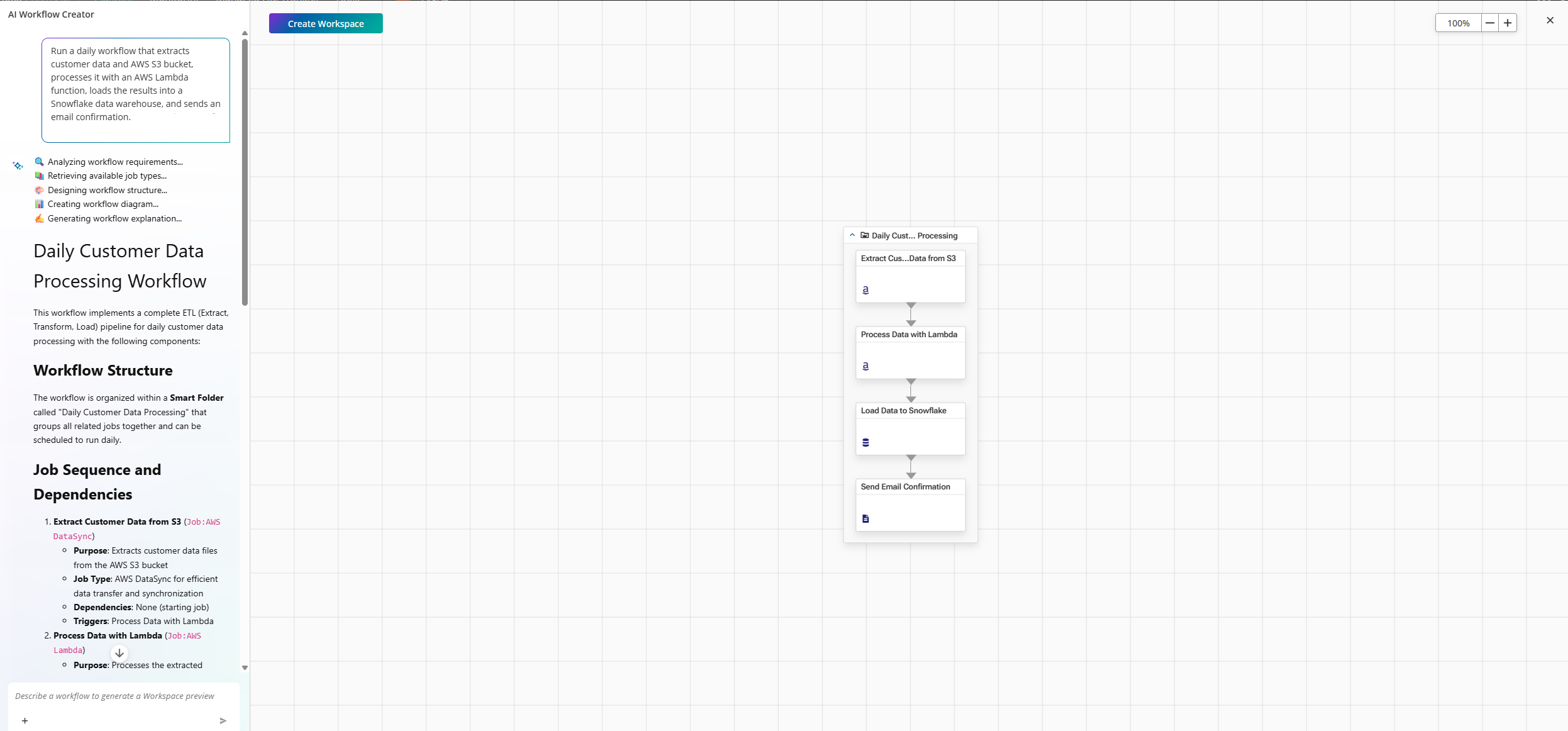
.The AI Workflow Creator generates a text-based description and diagram of the workflow.
The following example shows the response to a prompt to create a workflow:
-
(Optional) If you want to adjust the workflow, change the job types, or add additional jobs before you generate the workspace, type another prompt and click
. -
Click Create Workspace.
A confirmation message appears.
-
Click End and Create.
The AI Workflow Creator creates the workspace in the Planning domain.
-
In the Job Properties, set the folder and job parameters according to your requirements, as described in Folder General Attributes and Job General Attributes.
 YouTube
 Facebook
 LinkedIn